Browsing by multiple choice
In Muniment Desktop a decision model picks each browser step from numbered controls. The chat model writes text, confirms risky clicks and checks results.
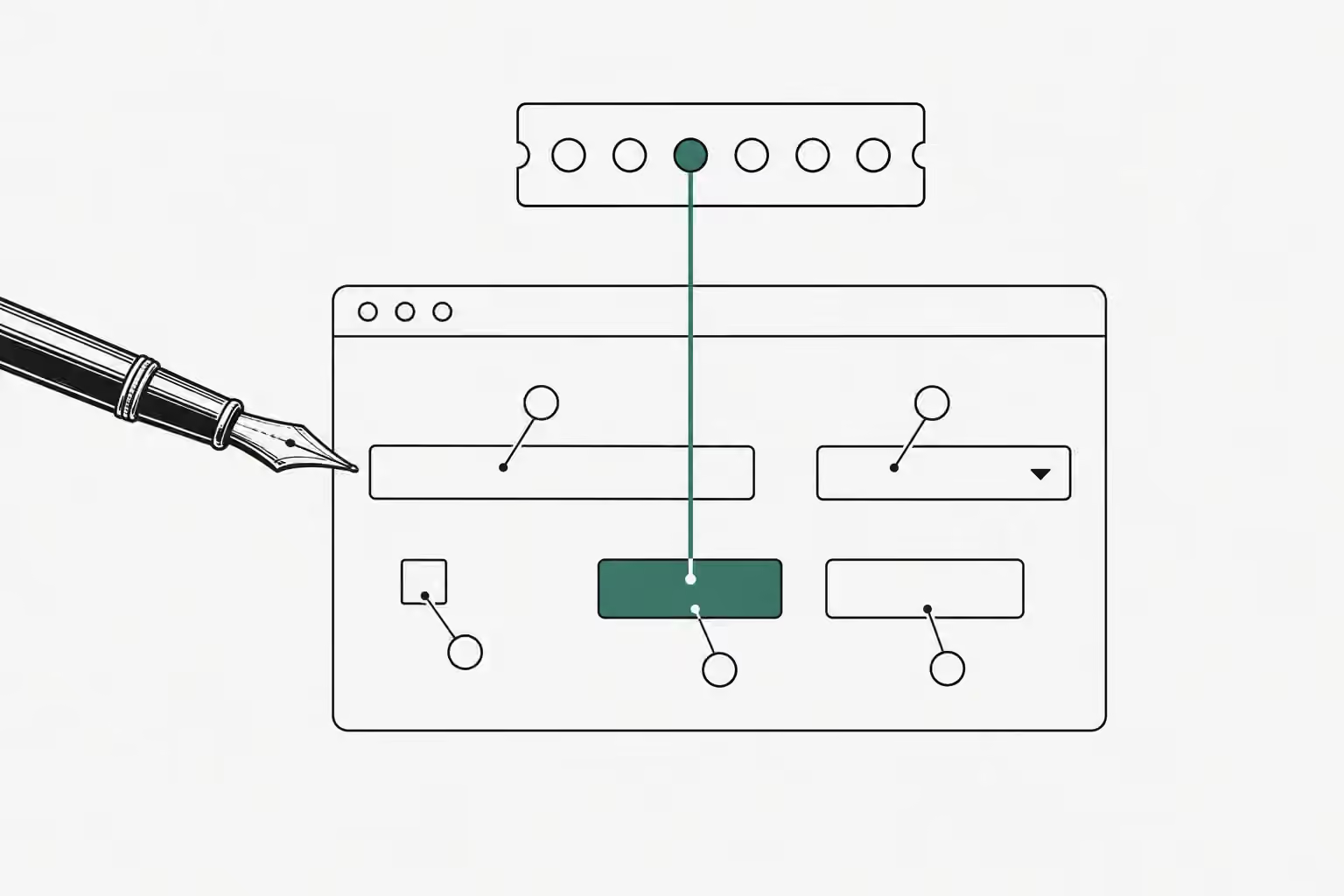
A browser agent that asks a chat model for every click spends seconds thinking about a cookie banner. Muniment Desktop now lets a decision model pick each step instead. A decision model answers typed multiple-choice questions with a probability for every option, and it cannot write a word.
We kept the chat model for the jobs that need words or judgment. It writes the text for a field, asks the user before a risky click, settles a step the decision model doubts, and checks the page before it reports success.
Each step is one request
A page reader in the Browser tab numbers the visible controls. Each entry carries a role, a name, a current value, and the operations it takes, such as click, type or choose. Controls under a dialog or off screen stay out of the list, and so does any text below the fold.
One request then asks the decision model several questions at once. Which operation comes next? Which element would each operation target? Which element, if clicked, would buy something, send a message, delete data or change an account? Code maps the answers to one action. A model answer is only ever a number from the list, so it never becomes a selector, a coordinate or a script.
Browser Use published this pattern in Jev Ultrafast, where browser protocol calls on a Google Flights run fell from 1,092 to 101. Their own caveat matters: that figure comes from three repeats of one task on one browser profile, not a reliability benchmark.
The chat model keeps four jobs
A decision model hands control back to the chat model in four cases. A field needs text, so the chat model supplies it and calls again. A click looks consequential, so the chat model must ask the user first. A step is doubtful or blocked, so the chat model gets the element list and may name the click itself. The goal looks met, so the chat model checks the returned page before it answers. Password fields stay with the user.
In our first live run inside the app, a chat opened Wikipedia, searched for Grace Hopper, and answered with her birth date from the article in 22 seconds.
Small models needed three changes
We ran the loop against three decision models that Muniment recommends, on three tasks: a flight form behind a cookie banner, a shop page with a Buy now button, and a Wikipedia search. A Chrome instance ran the same page reader that the Browser tab runs.
| Decision model | Flight form | Buy now button | Wikipedia search |
|---|---|---|---|
| Jev, TypeSafe API | 2 of 2, 3.5 to 4.6 s | 2 of 2 stopped to ask | 2 of 2, 3.2 to 7.1 s |
| Clef Flash, Ollama server | 2 of 2, 15.0 to 16.3 s | 2 of 2 stopped to ask | 4 of 5, 13.7 to 17.5 s |
| Nimble, Ollama server | 0 of 2, reported blocked | 0 of 2, reported blocked | 1 of 2, 20.8 s |
Our first version failed on every local model, for three reasons we fixed.
Ollama’s System One route rejected a question with 42 candidates, and its error said a question takes 2 to 26 options. TypeSafe’s own route accepts up to 255 options in one choice question. Because one design has to serve every recommended model, a long element list now splits into groups of 25, each with an option for none, sent together in the same request.
A fixed confidence gate of 0.7 stalled every model, because each model computes confidence its own way. Every model does return a probability per option. A step now acts when the operation probability times the target probability reaches 0.36, with each at 0.4 or more. Done and blocked need no gate, since both hand control back to the chat model.
An operation called CLICK read as abstract. TypeSafe documents that Jev answers the question as written and reads instructions literally. Each operation now names its first controls, so a model reads Click an element: Accept all, Search flights. With that change Clef Flash got past the banner and filled the whole form.
Nimble still reports blocked on most pages. A blocked step returns the element list to the chat model, which can name the click itself, so the cost of a weak decision model is extra chat turns rather than a wrong click.
The browser stays inside the app
Chats in Muniment Desktop run in a background service, while the Browser tab lives in the app window. We first wired a loopback port between them and dropped it before release. An open port cannot prove who connected. The app and the service already talk over a channel that checks the peer: the same user and a code signature on macOS, the same user and executable on Linux, and the same account on Windows. A browser request now travels that channel, the same way a question for the user does.
Driving the user’s own browser is a separate project. Since Chrome 136, remote debugging no longer works on the default profile, so that path needs a browser extension and a pairing step.
The Browser tab exists for chats, so it carries no control banner and asks for no grant. When a chat calls the tool, the app opens the tab if it is closed and works the page. Settings says that the assistance decision model receives the page text, and stopping the reply stops the browse. TypeSafe, Browser Use and Ollama are neither Muniment customers nor endorsers.
If you build a browser agent, give the clicking to a model that answers multiple choice, and test it against every model your users can connect, not only the fastest one.
Sources
- Browser Use: Jev Ultrafast github.com
- TypeSafe: Jev 1.13 jaggedness docs.typesafe.ai
- TypeSafe: Choice questions docs.typesafe.ai
- Chrome for Developers: Changes to remote debugging switches developer.chrome.com